SO‑CRATES
█
Drop in a pcap, log, email, or binary. Get alerts, metadata, transcripts, hexdumps, and AI‑guided playbooks — all in one page.
Capabilities
One container. Three detection engines. Zero infrastructure to stand up.
Suricata Network Analysis
Replay pcaps through Suricata for alerts, protocol metadata, flow records, and extracted files — then drill into any stream's transcript or hexdump.
tshark Protocols
tshark adds the protocols Suricata doesn't parse — S7comm, IEC 104, BACnet, OPC UA, Telnet, RADIUS, IPMI and more — each with its own tab, aggregations, and search.
Findings
Weaknesses, control actions, and probes from every protocol in one ranked list — a controller accepting cipher zero, a PLC stopped, a self‑signed command‑and‑control certificate.
YARA Binary Scanning
Scan uploaded binaries and files carved from network traffic against YARA rule sets.
Sigma Log Detection
Run log files through Sigma rules to surface suspicious events across your evidence.
Email Analysis
Parse .eml headers, links, and attachments to spot spoofed senders, deceptive links, and malware hiding in base64.
AI Summaries & Playbooks
Alerts come with an AI summary of what the rule detects, plus a plain‑English investigation playbook.
DNS Heuristics
Score every domain for tunneling, DGA, and fan‑out shapes, with CDN and vendor noise filtered out first.
Pivot, Hunt & Correlate
Click any value to include, exclude, hunt, or correlate every log sharing its community ID.
See it run
A recorded walkthrough: load a sample pcap, review each data type, filter with Aggregation Tables, and drill into a single event.
Follow an investigation
Follow one phishing email through the four sample files built into SO-CRATES — no internet needed. Spot the spoofed sender, decode a tracking token and a PowerShell stager in the built-in CyberChef, catch the credential theft on the wire, and match the payload by its hash.
Inside the console
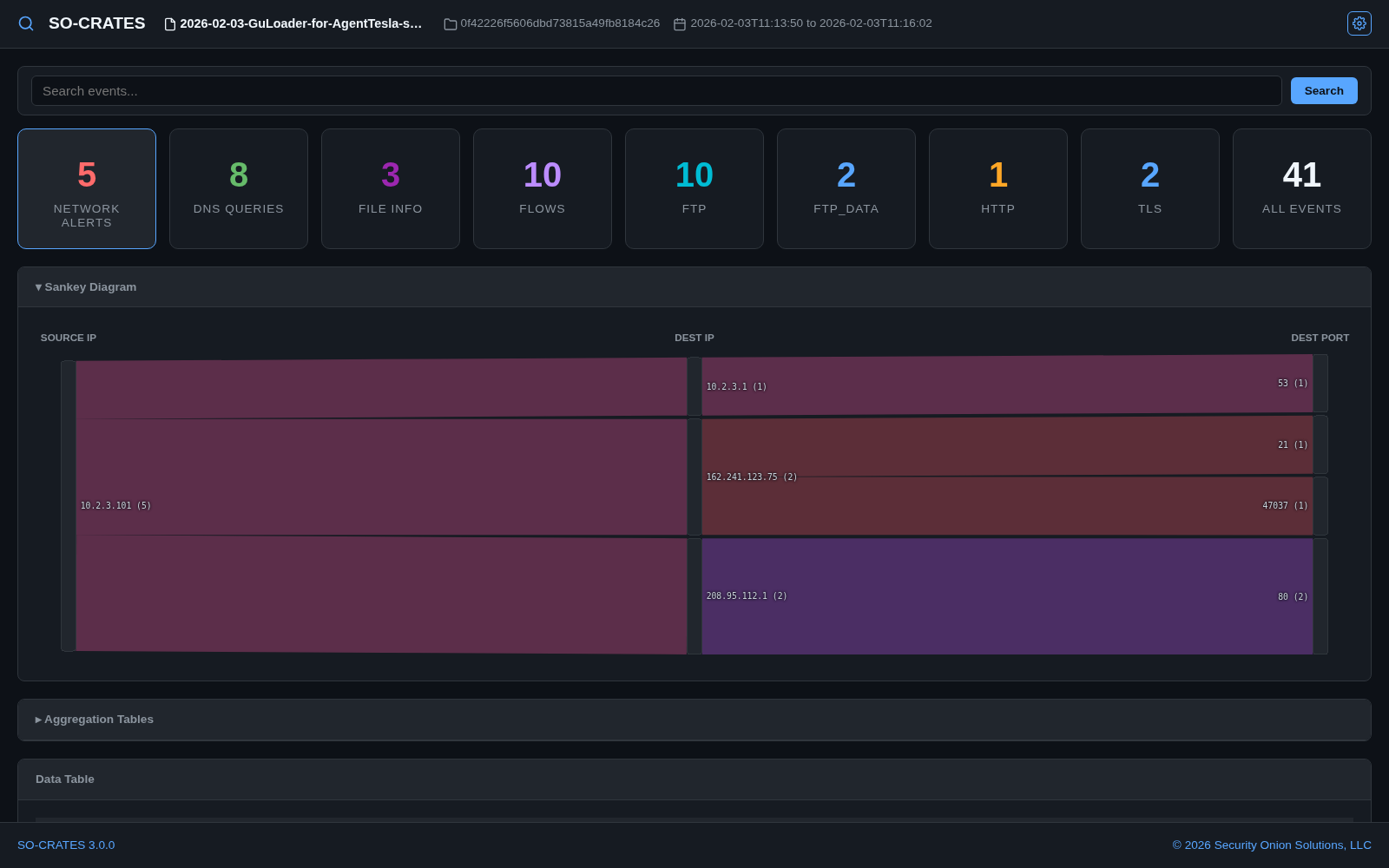
01Analyze anything
Upload a pcap, log, email, or binary — or reload a previous analysis. Network alerts, file alerts, metadata, and extracted streams land on a single page.
02Know what it means
Suricata, Sigma, and YARA alerts come with an AI‑generated summary of the rule, where one exists. Suricata and Sigma alerts also get a playbook of investigation questions specific to that detection.

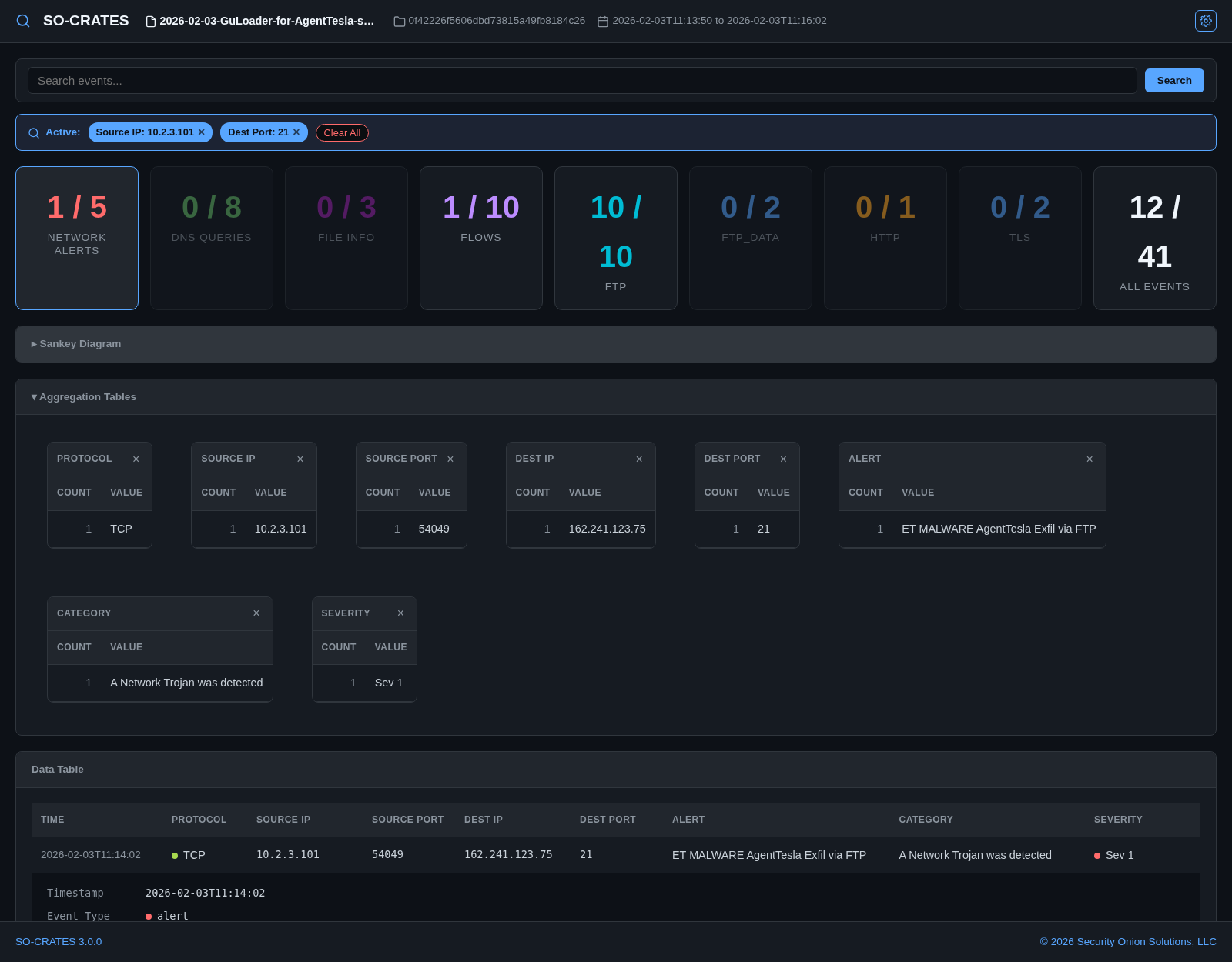
03Slice and dice
Expand the Aggregation Tables and click values to filter. Pivot menus let you include, exclude, hunt, and correlate across the whole capture.
Ready to analyze something sus?
Runs anywhere containers do — Docker, Podman, or OhMyDebn.