Themes
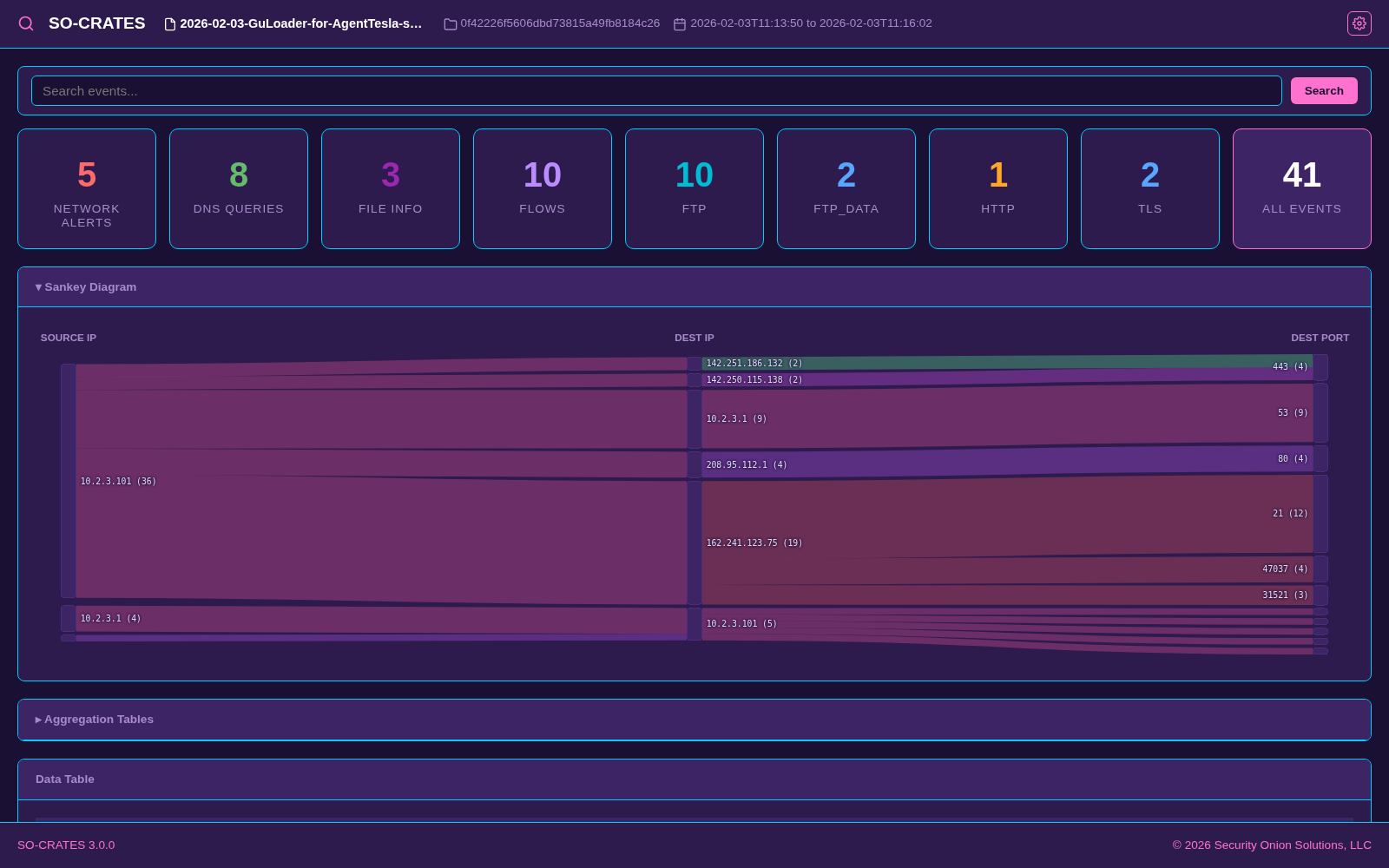
SO-CRATES includes thirty-five UI themes in three groups - Dark Themes, Light Themes, and Fun Themes. Press </> to cycle through themes, or open Themes from the gear icon menu in the upper-right corner to browse them: hovering a theme shows a live preview without changing the rest of the app, and clicking applies it for real without closing the picker, so you can click through several in a row. The currently applied theme is highlighted with an accent-colored border in the grid. Your choice is persisted in the browser's localStorage and restored on the next visit.
Click any screenshot below to zoom in.
Syncing with OhMyDebn
If SO-CRATES was launched via OhMyDebn, the Themes modal also has a "Sync theme to OhMyDebn theme" toggle (off by default). While enabled, SO-CRATES follows your OhMyDebn desktop theme automatically and the manual picker below is hidden, since OhMyDebn owns the theme choice. A theme name that matches one of the built-ins below is applied directly; for a custom or Aether-generated OhMyDebn theme with no built-in match, a full theme is instead generated at runtime from that theme's own color palette (its colors.toml, or alacritty.toml as a fallback), with contrast-safety adjustments so muted/tag/accent text stays legible regardless of the source palette. This toggle is hidden entirely on any deployment not launched via OhMyDebn.
CyberChef follows along
The built-in CyberChef switches to its own Dark theme while SO-CRATES shows a dark theme, and to its Classic (light) theme otherwise. That's decided by the theme's actual background, so each Fun theme lands on whichever it looks like - Retro Handheld's pale screen gets Classic, the rest get Dark - and an OhMyDebn-generated theme works too. It takes effect the next time CyberChef opens. If you pick a theme in CyberChef's own Options, that choice is kept and SO-CRATES stops changing it.
Dark Themes
- Catppuccin - dark theme based on the soothing pastel Catppuccin Mocha palette
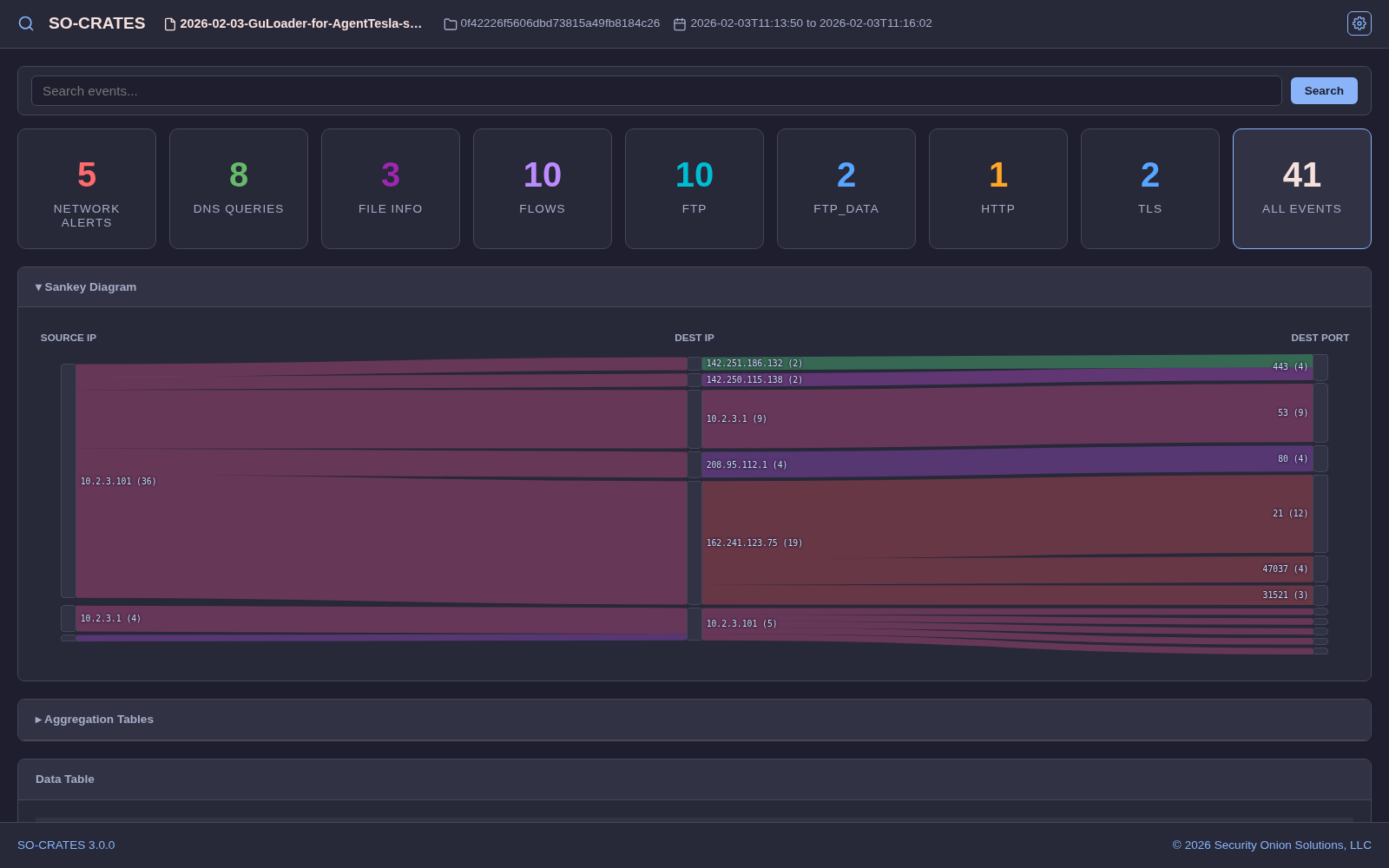
- Dracula - dark theme with signature purple accents on a dark gray-purple background

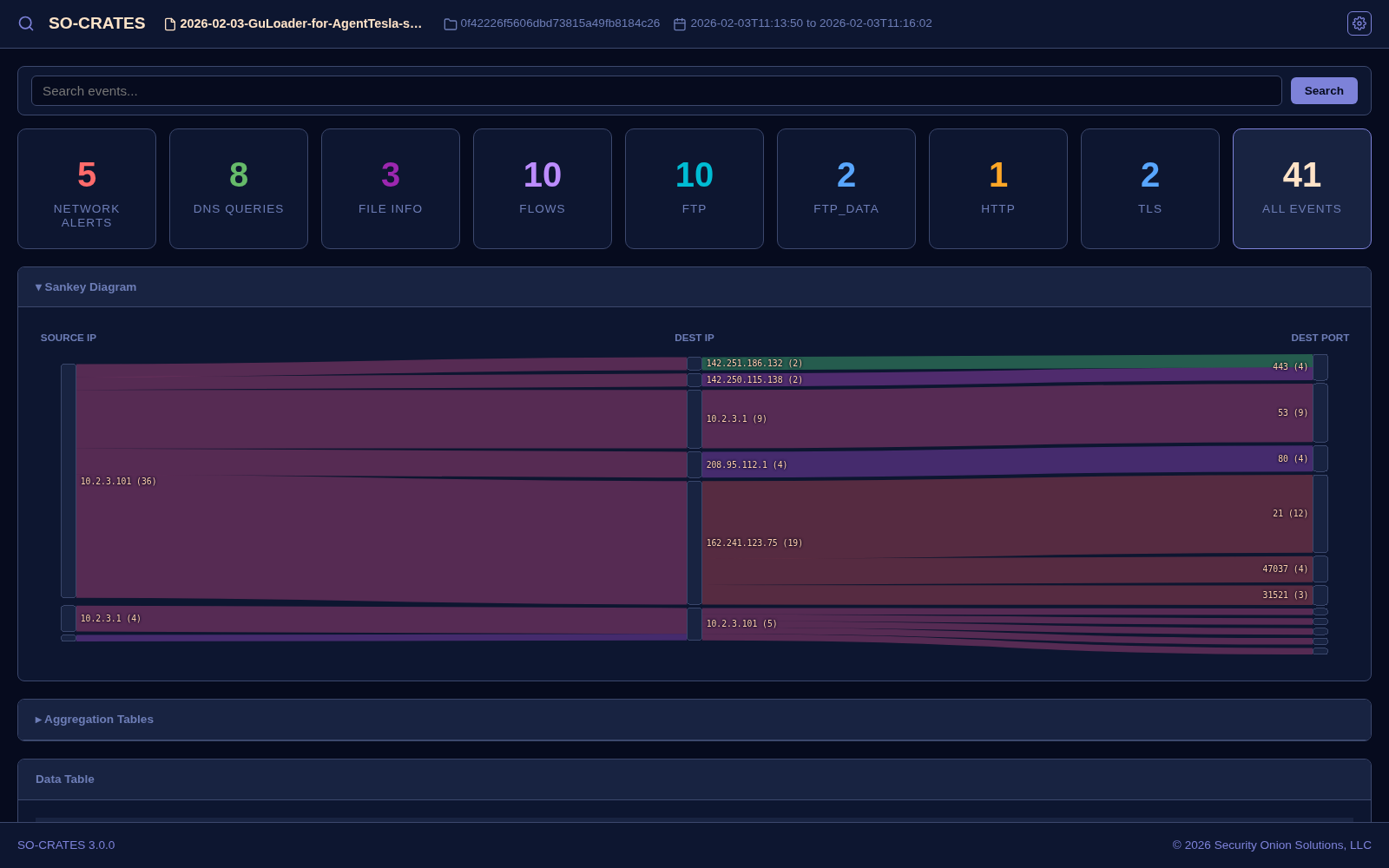
- Ethereal - dark blue theme with periwinkle accents and soft peach text
- Everforest - dark forest-green theme with teal accents and warm earth tones
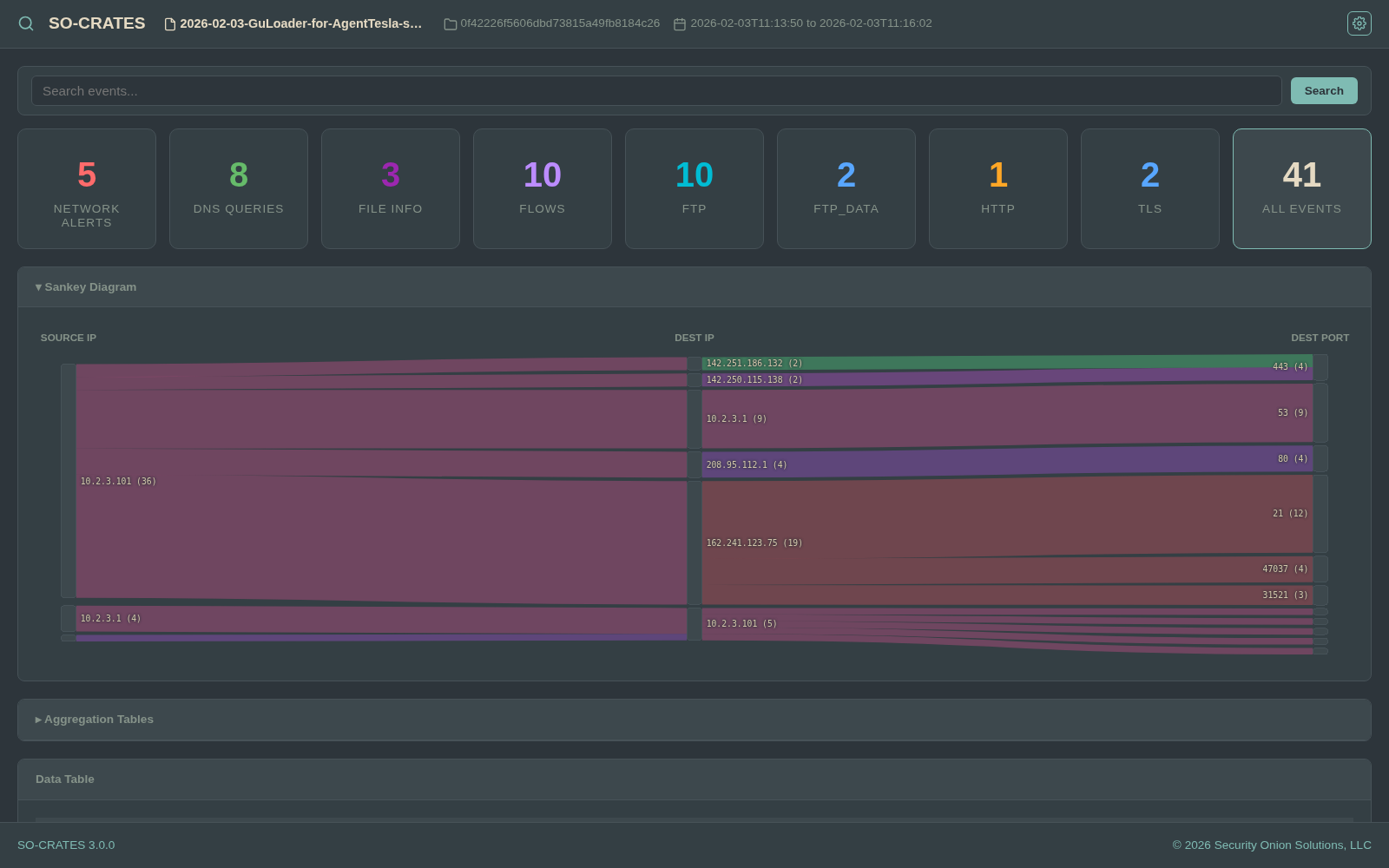
- Gruvbox - dark theme with retro groove colors, aqua accents, and warm muted tones
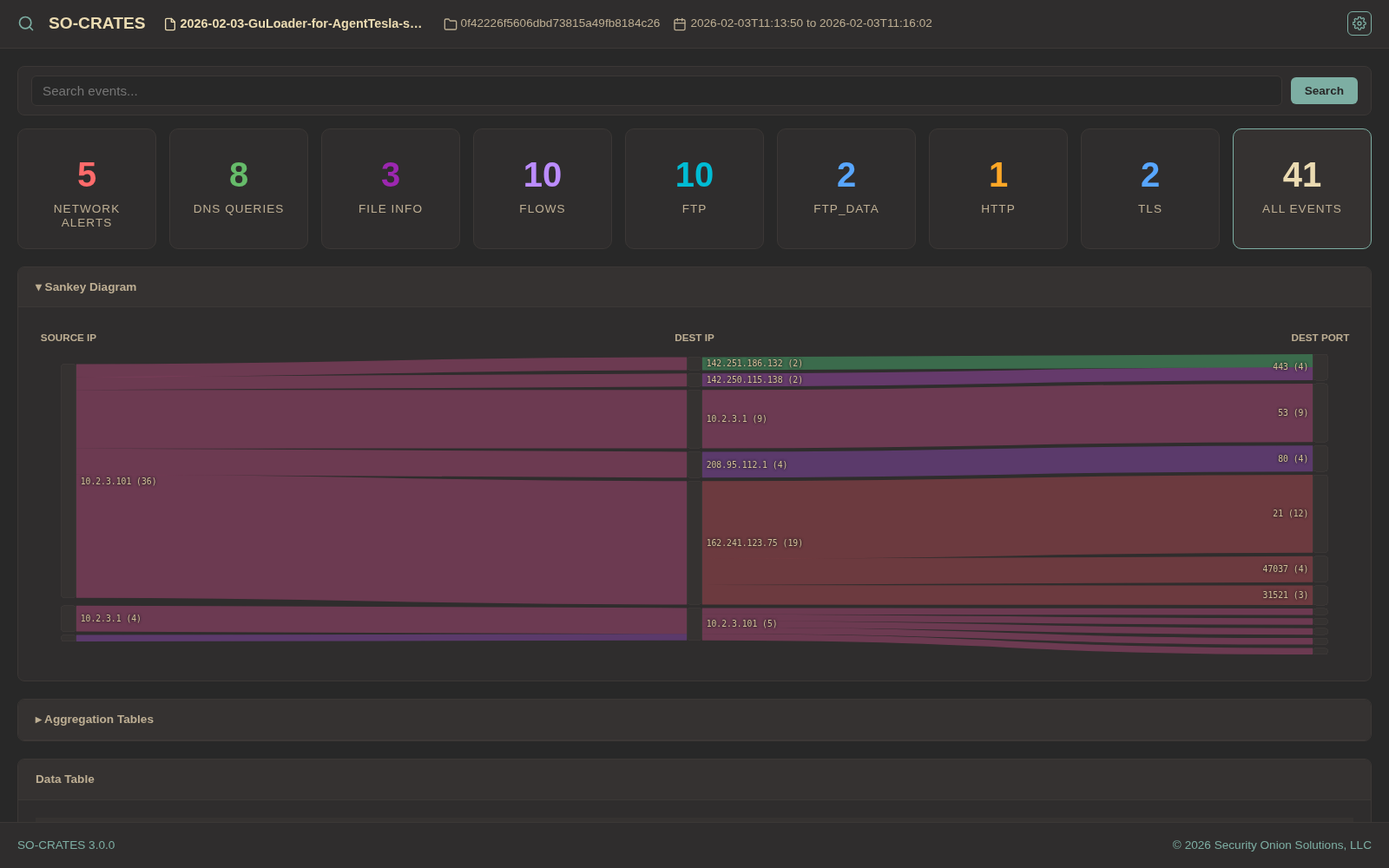
- Hackerman - dark cyberpunk theme with neon mint-green accents and icy cyan text
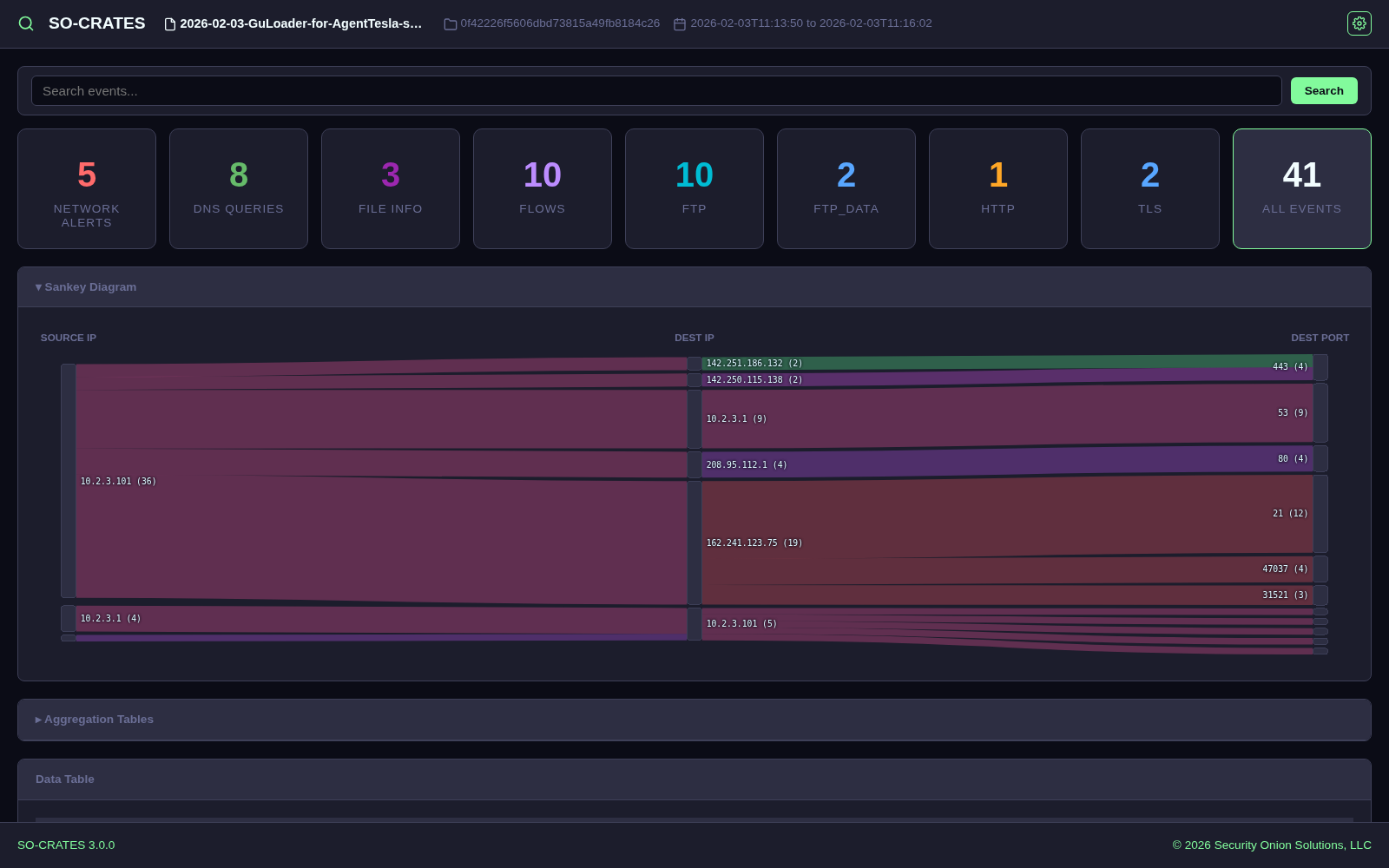
- Kanagawa - dark theme inspired by the Great Wave, with crystal-blue accents and muted ink tones
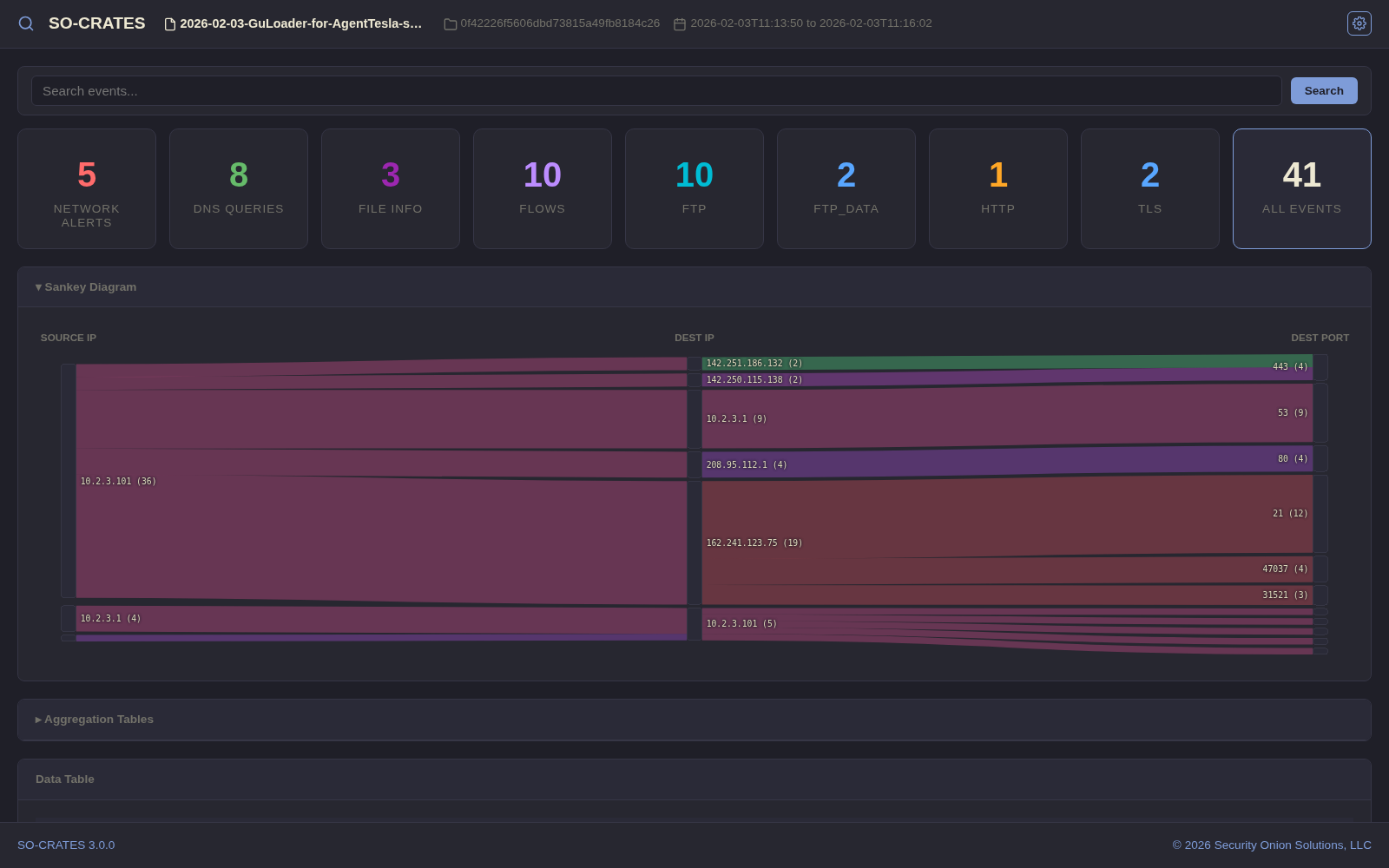
- Lumon - dark monochrome blue theme inspired by the Lumon Industries aesthetic
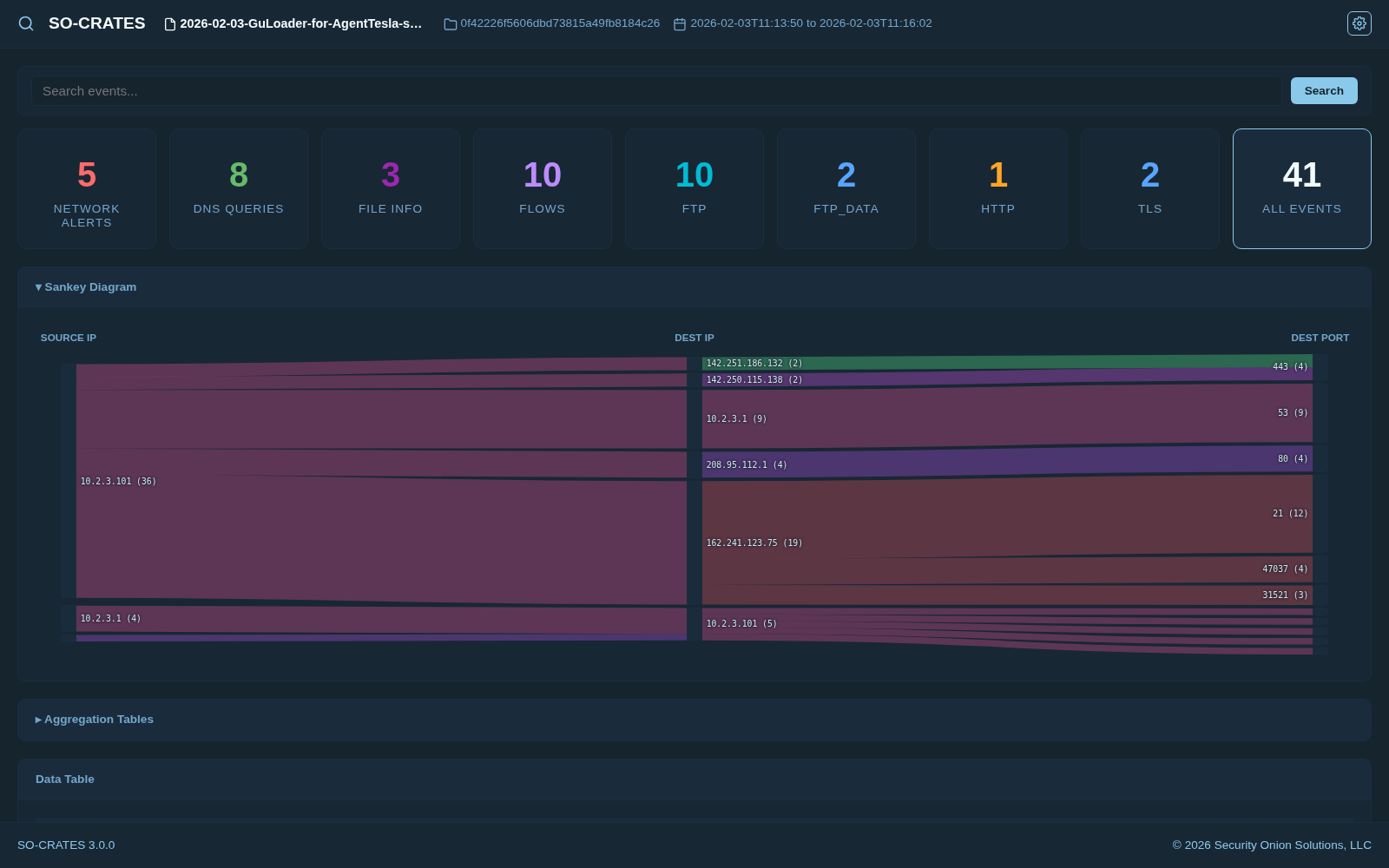
- Matte Black - dark theme with orange/yellow accents
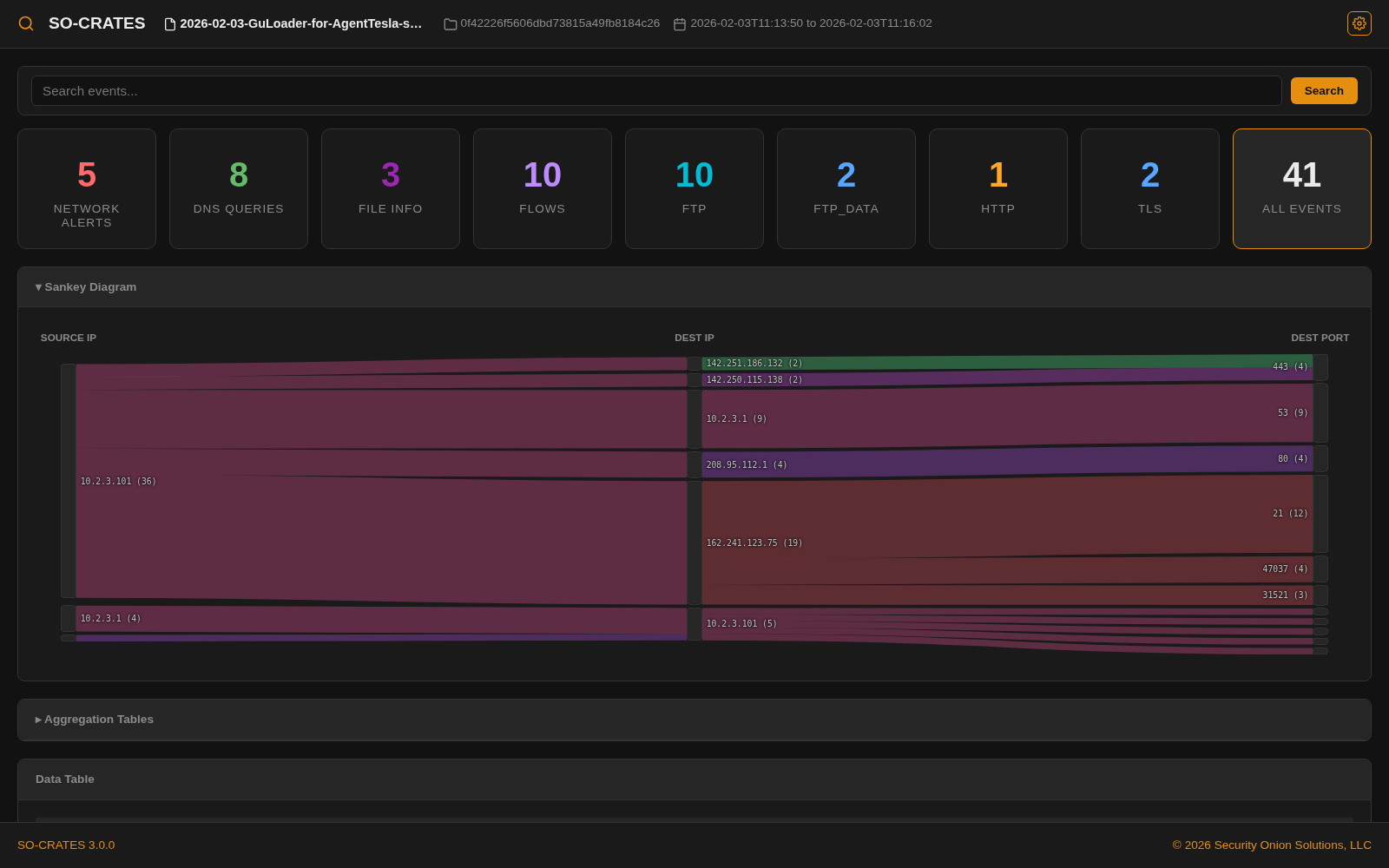
- Miasma - dark swampy theme with olive accents and murky rust/gold earth tones
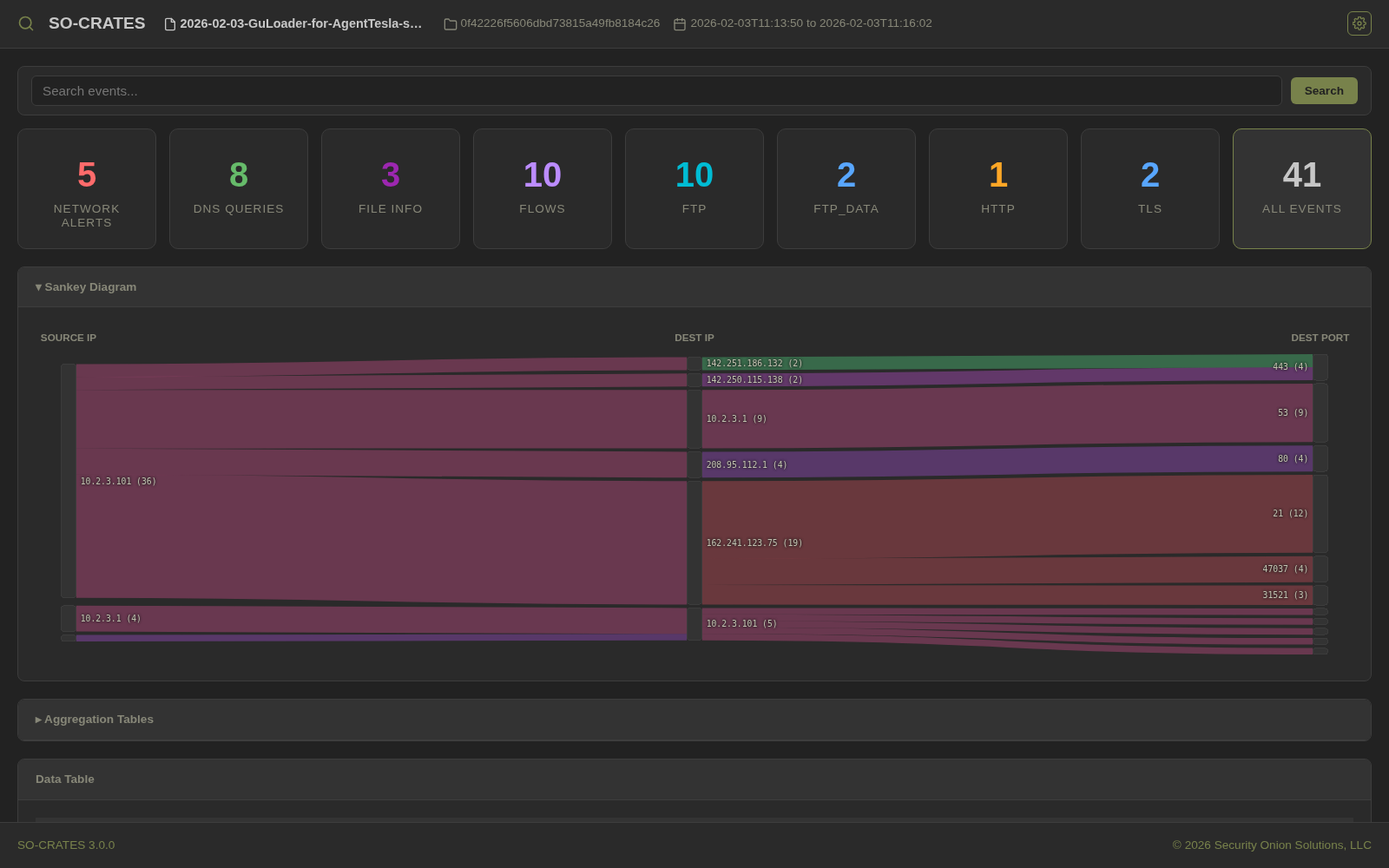
- Midnight - SO-CRATES default dark theme
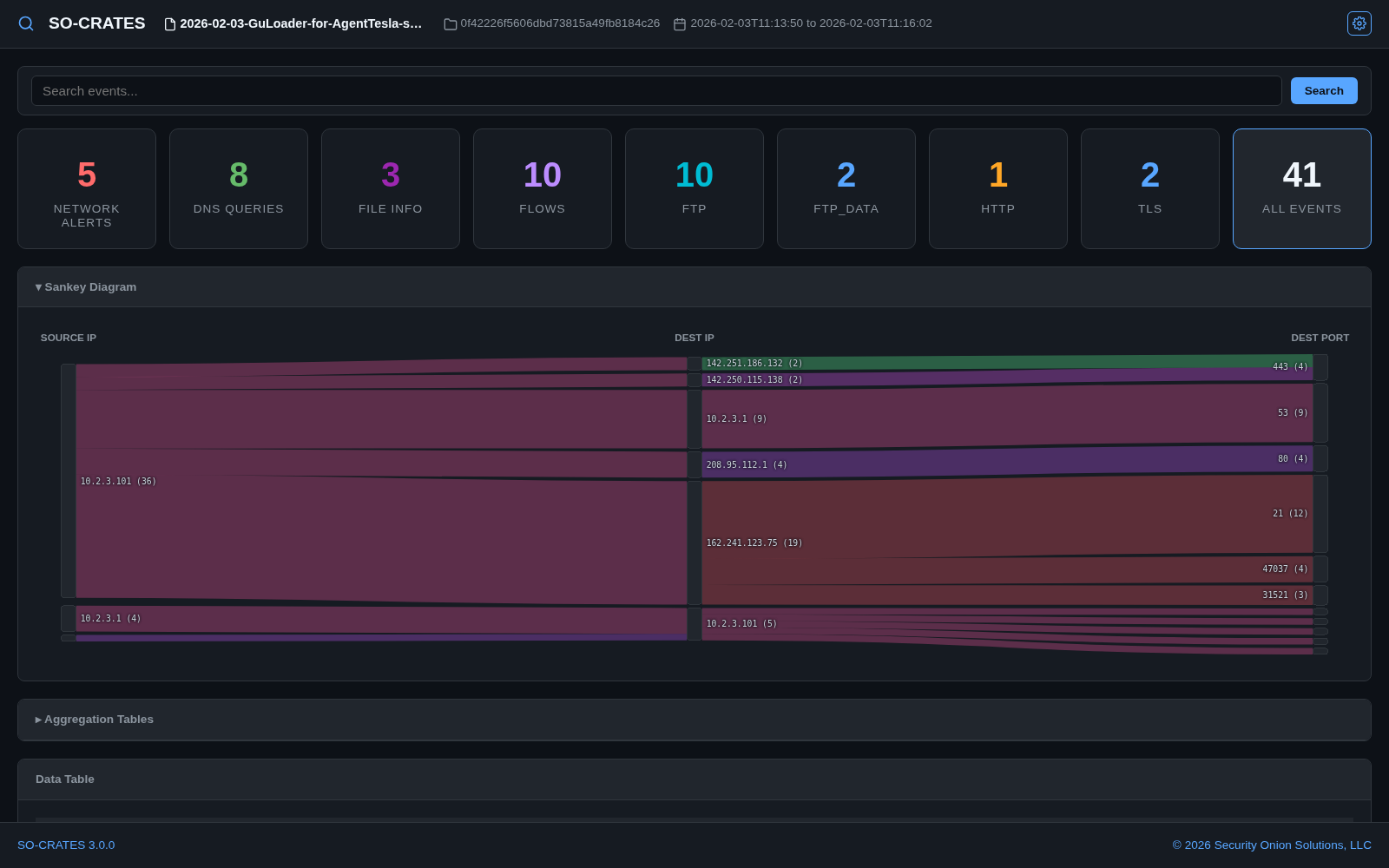
- Monokai - dark olive-brown theme with vivid lime-green accents, classic Sublime Text palette

- Nord - dark arctic theme with frost-blue accents and aurora colors
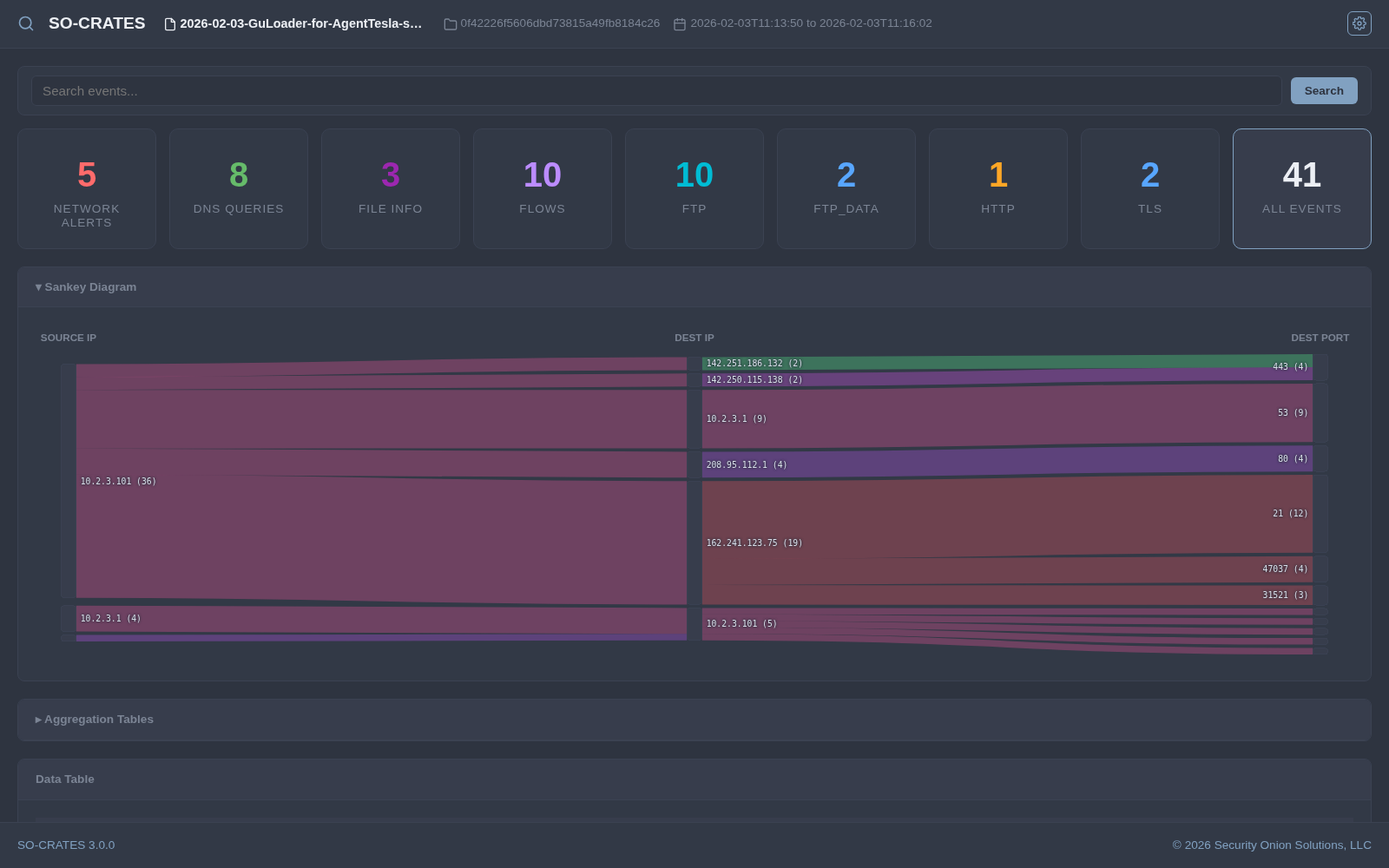
- OhMyDebn - dark theme matching OhMyDebn's own default desktop look, with periwinkle-blue accents

- Osaka Jade - dark forest theme with jade-green accents and sage/cream text
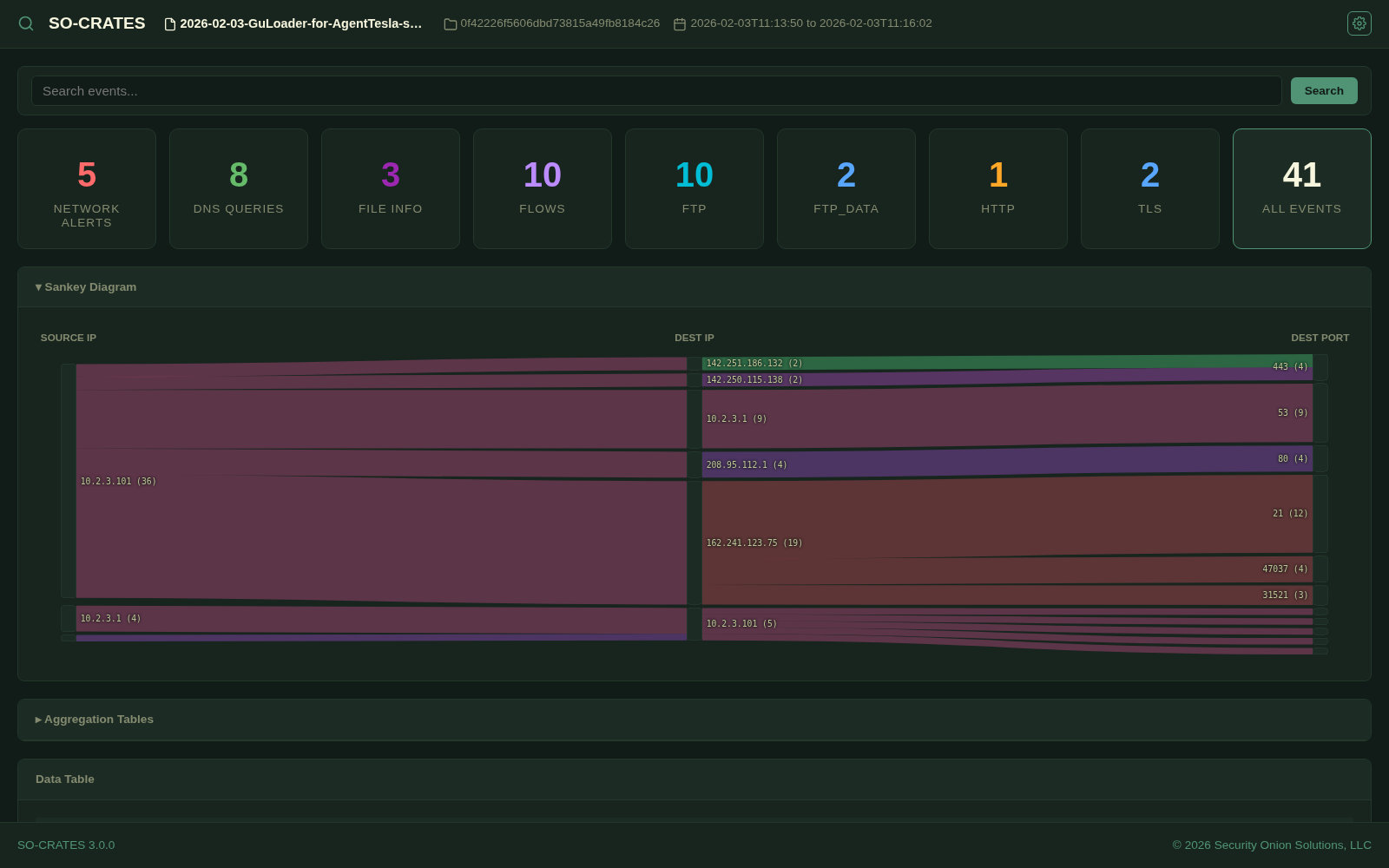
- Retro 82 - dark navy theme with warm orange accents and teal highlights
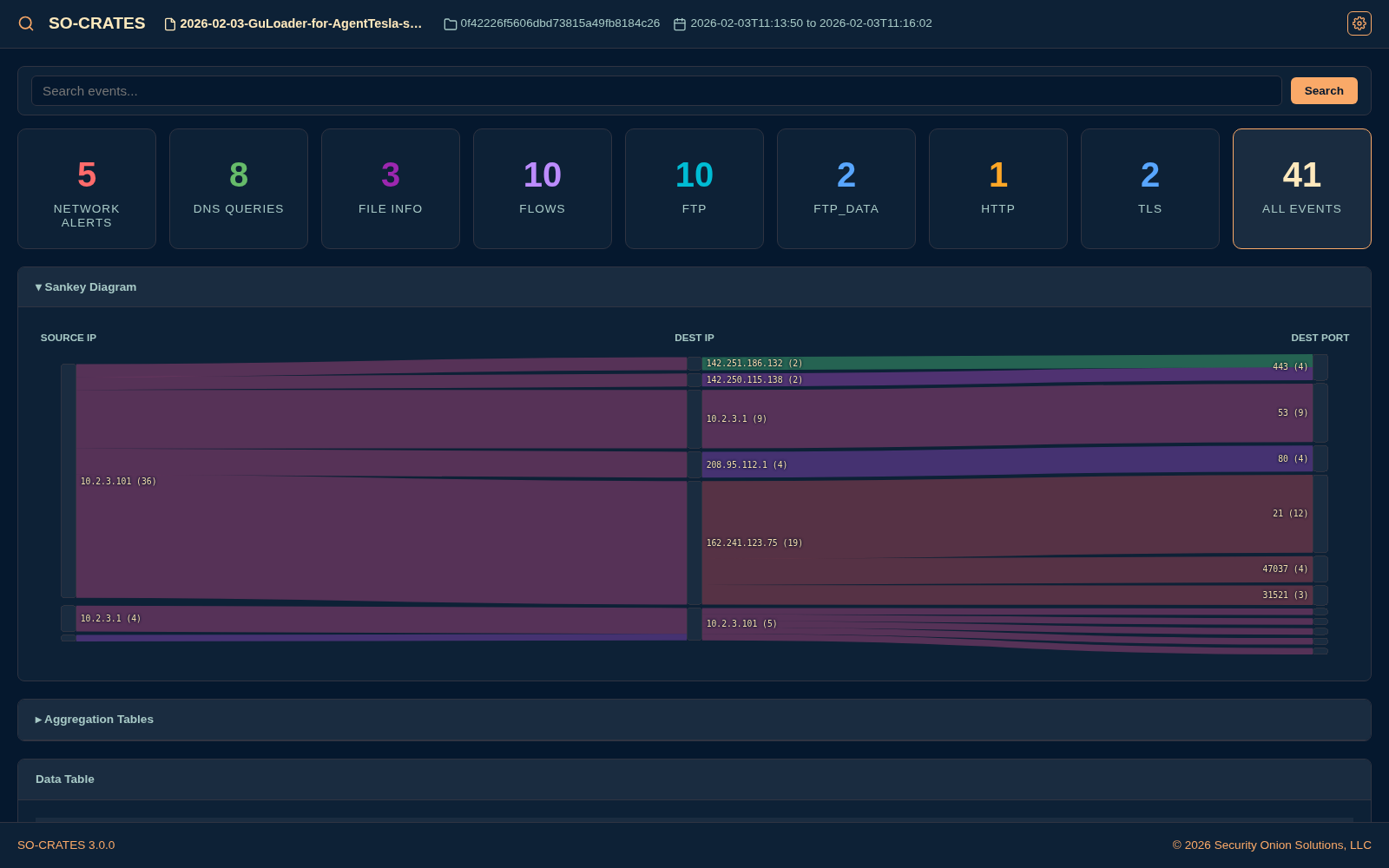
- Ristretto - dark coffee-toned theme with salmon accents and warm rose-white text
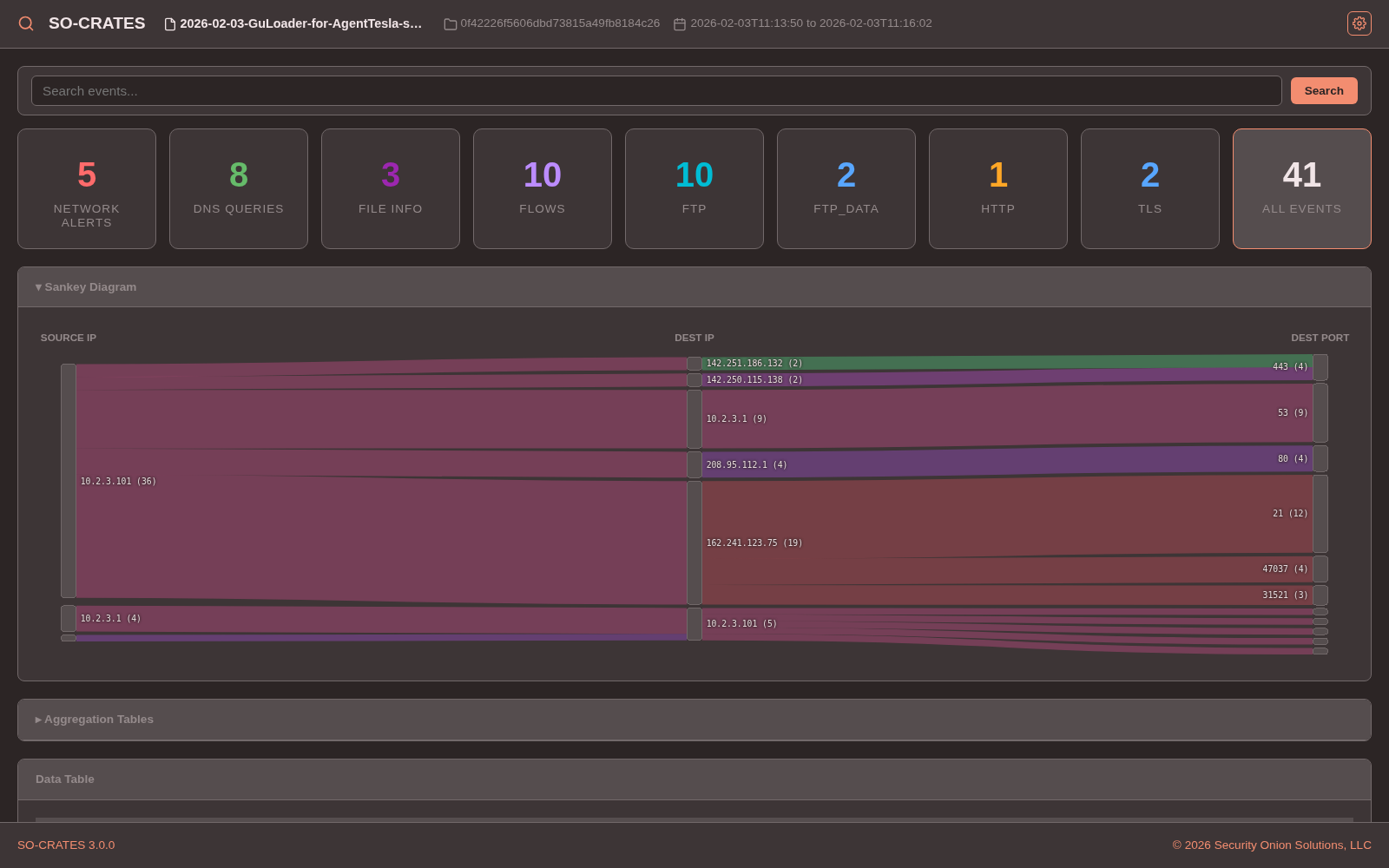
- Solarized Dark - classic low-contrast dark theme with muted blue-green base tones

- Tokyo Night - dark theme with blue/purple accents inspired by the Tokyo Night palette
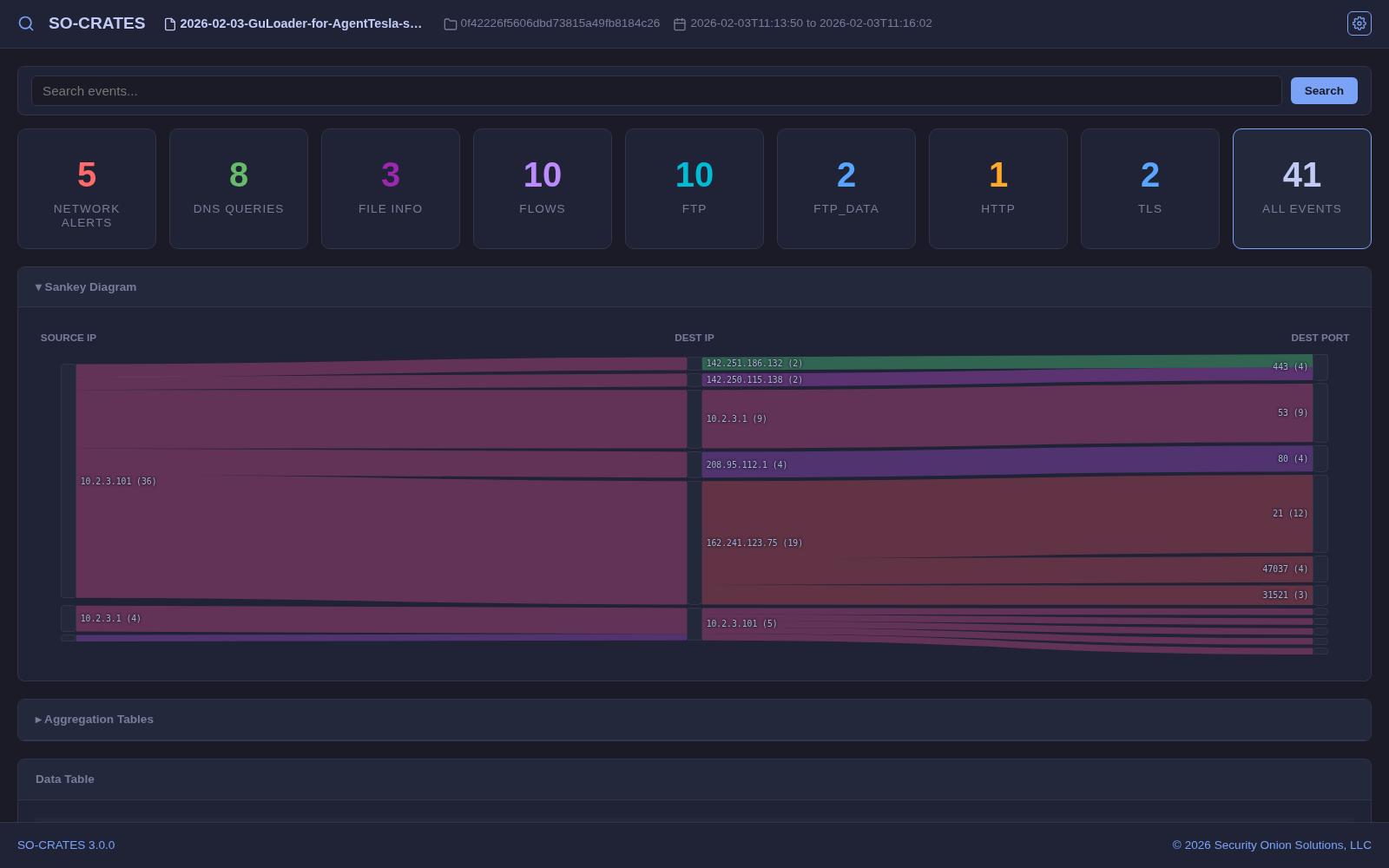
- Vantablack - pure monochrome theme with white text on true black
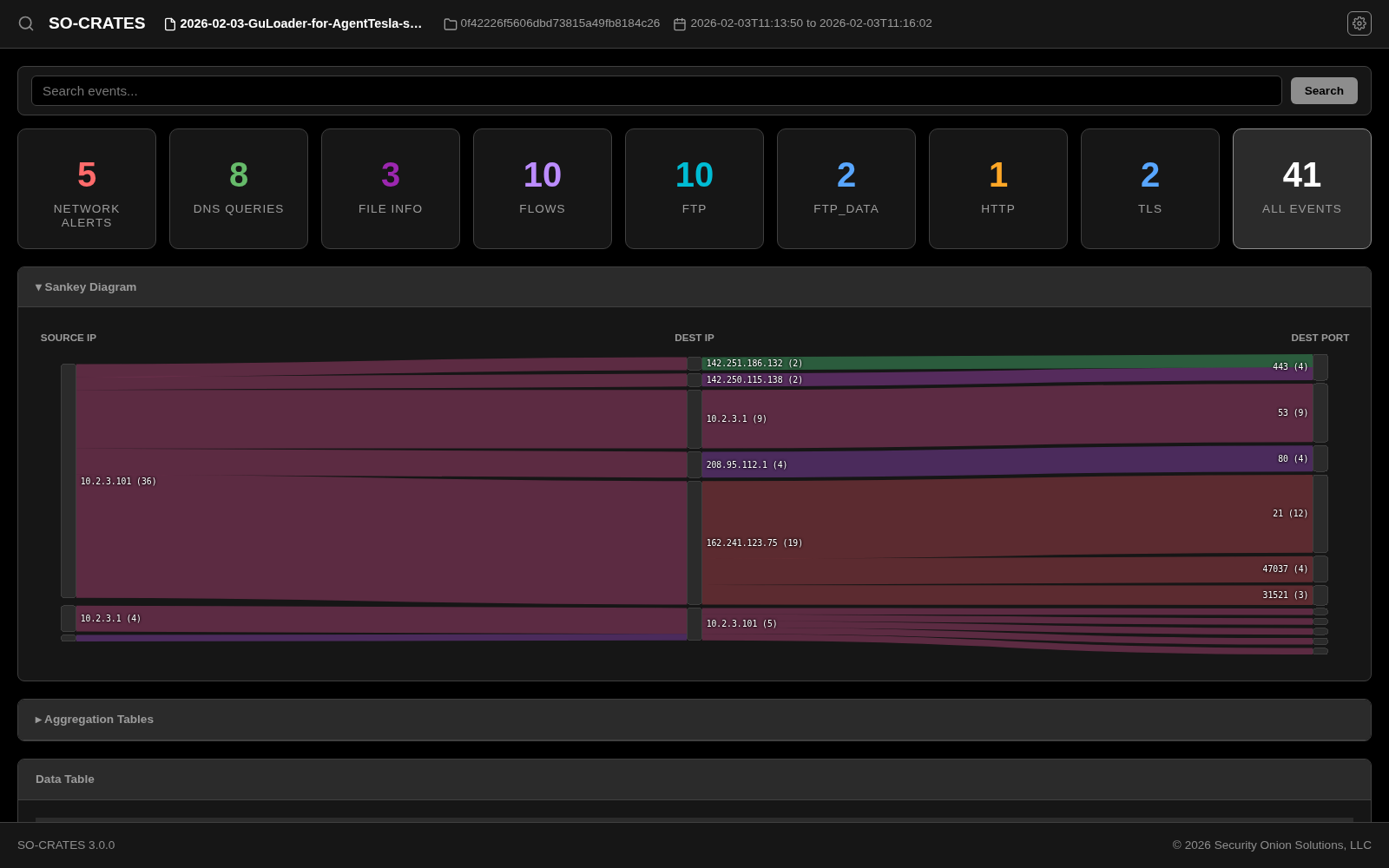
Light Themes
- Catppuccin Latte - light theme based on the pastel Catppuccin Latte palette
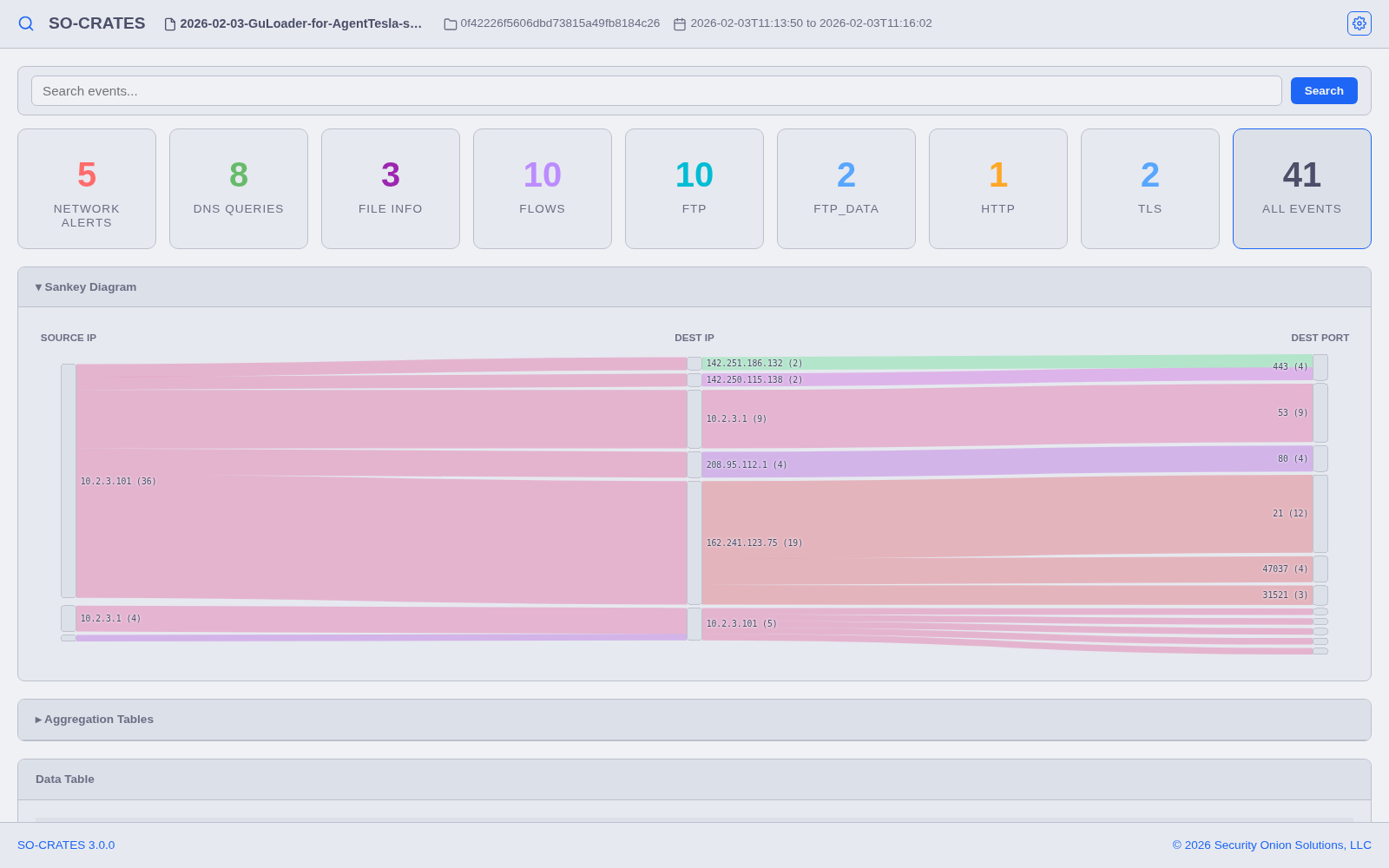
- Flexoki Light - light theme based on the warm, paper-like Flexoki palette, with blue accents

- Rose Pine - light theme based on the warm Rosé Pine Dawn palette
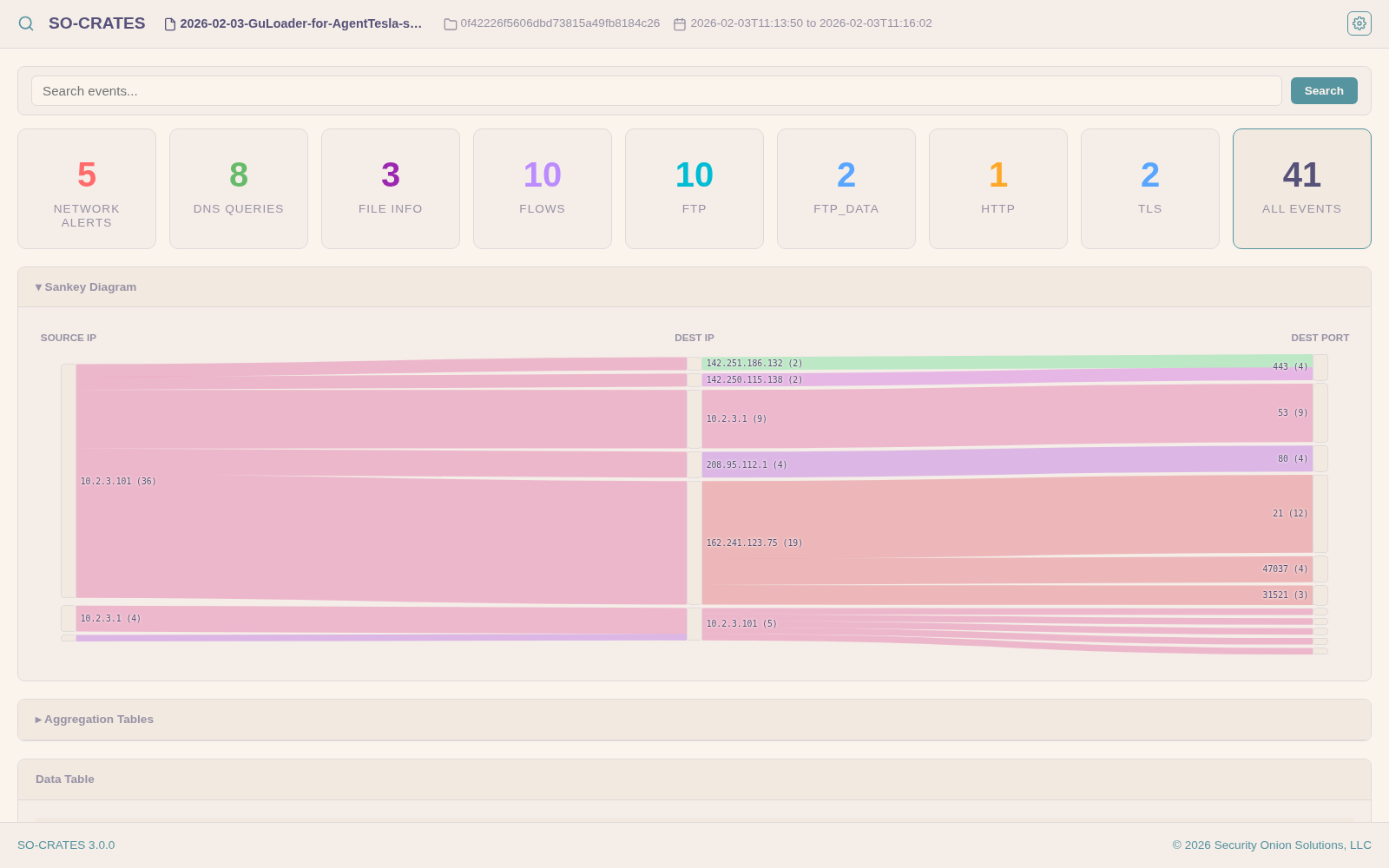
- Sguil - light theme inspired by the classic Sguil NSM interface, with gray chrome and navy headers
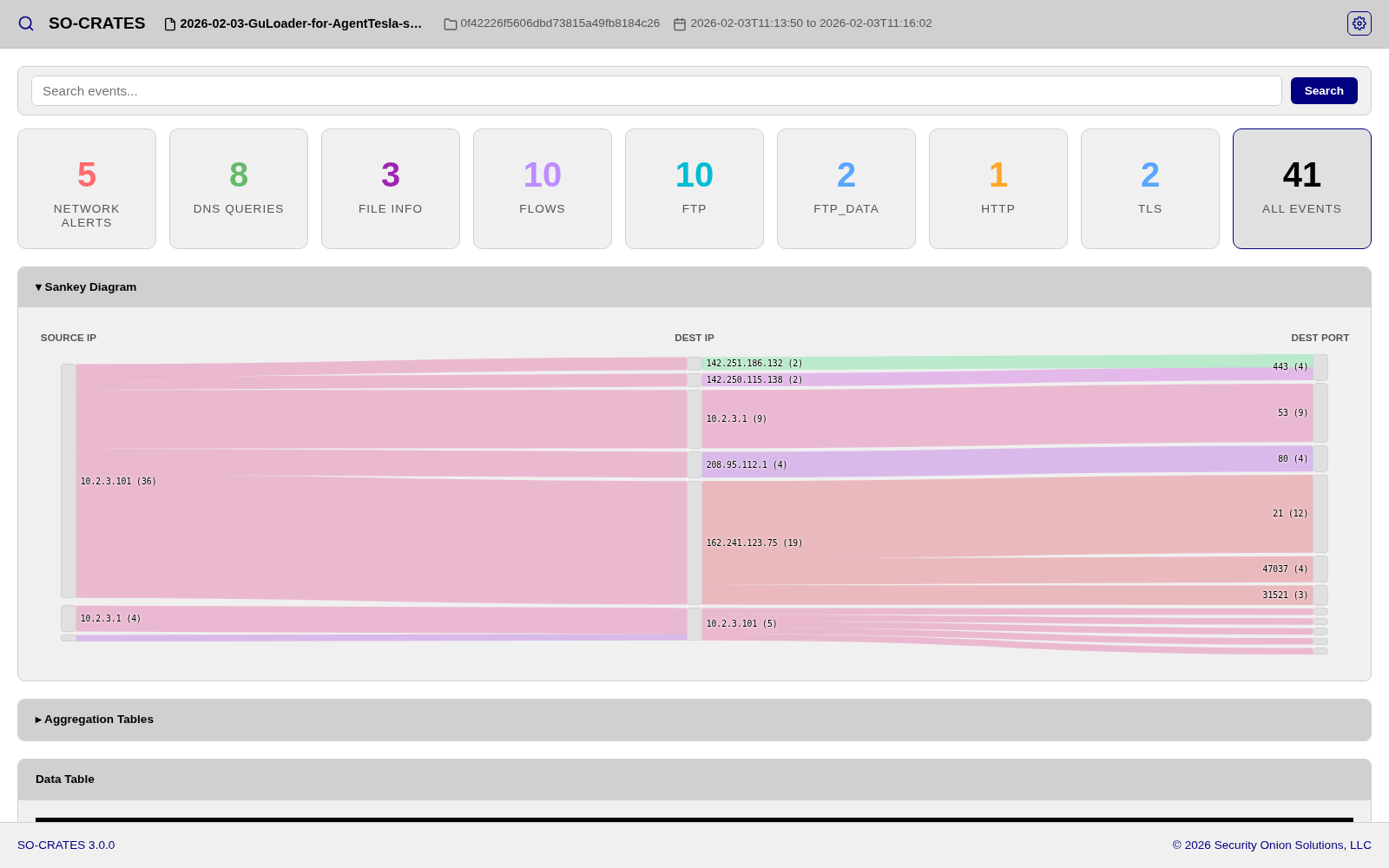
- White - pure monochrome light theme with black text on true white
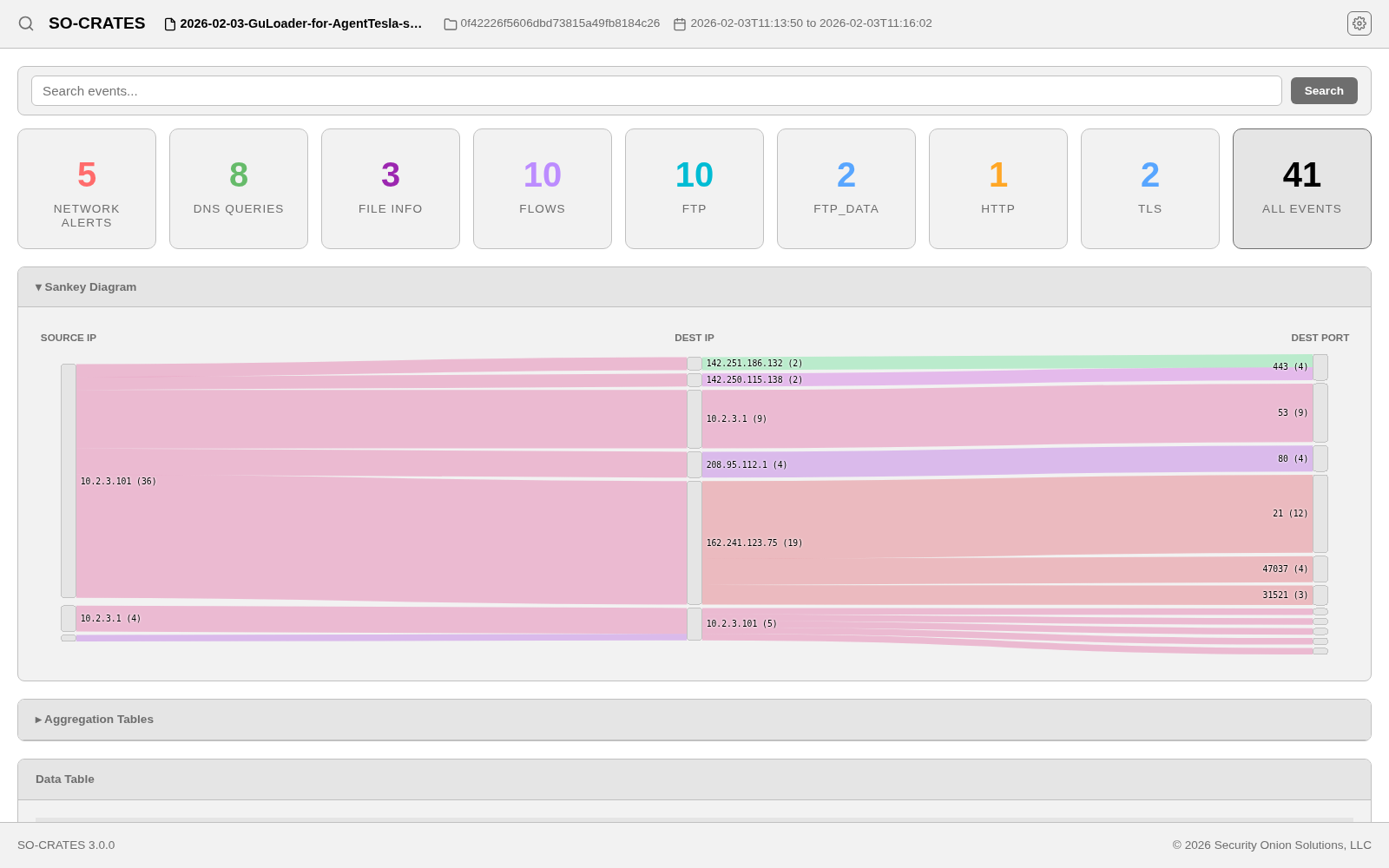
Fun Themes
Every theme on this page (Fun or otherwise) can also be switched to by typing its name anywhere outside a text field and pressing Enter (if what you've typed also matches another theme, arrow to the right one first) - see Command Palette.
- Amber CRT - monochrome amber phosphor on black, like a VT100/DEC-style business terminal, with a faint scanline overlay for the CRT effect

- Breadbin Blue - Commodore 64 blue-on-blue aesthetic (named for the C64's "breadbin" case), using the real Pepto/VICE C64 16-color palette (blue background, light-blue border/text/accent, cyan interactive highlight)

- CGA - black background with the classic 4-color CGA Palette 1 High-Intensity hues (cyan, magenta, white)
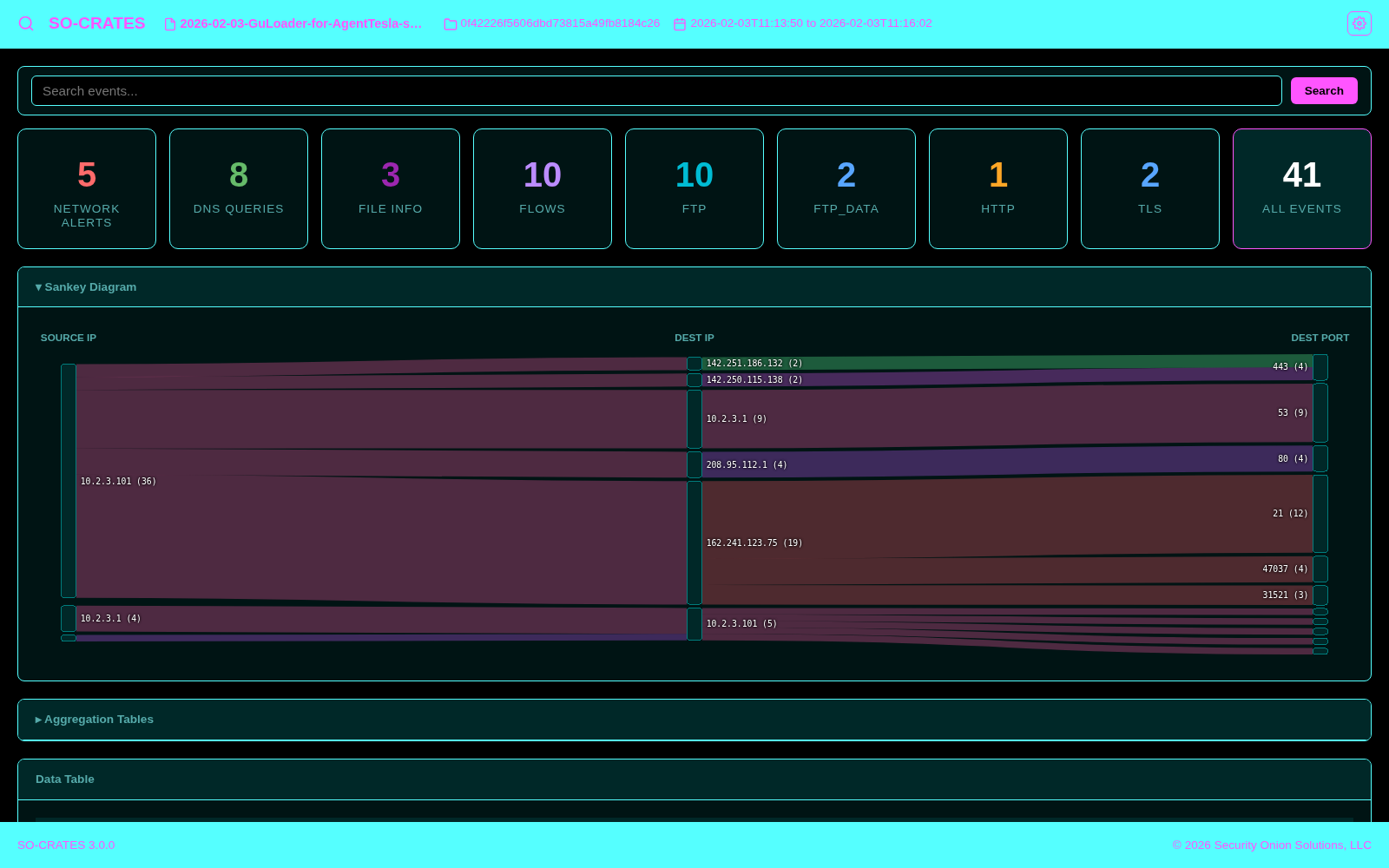
- Digital Frontier - black background with a glowing electric-blue accent and cyan/orange highlights, evoking a neon computer-generated grid world

- DOS Blue - the flat cobalt-blue background of classic DOS text-mode UIs (Norton Commander, EDIT.COM, QBasic), using the real 16-color EGA/VGA palette values, with Norton Commander's iconic yellow function-key-label accent and cyan box-drawing borders

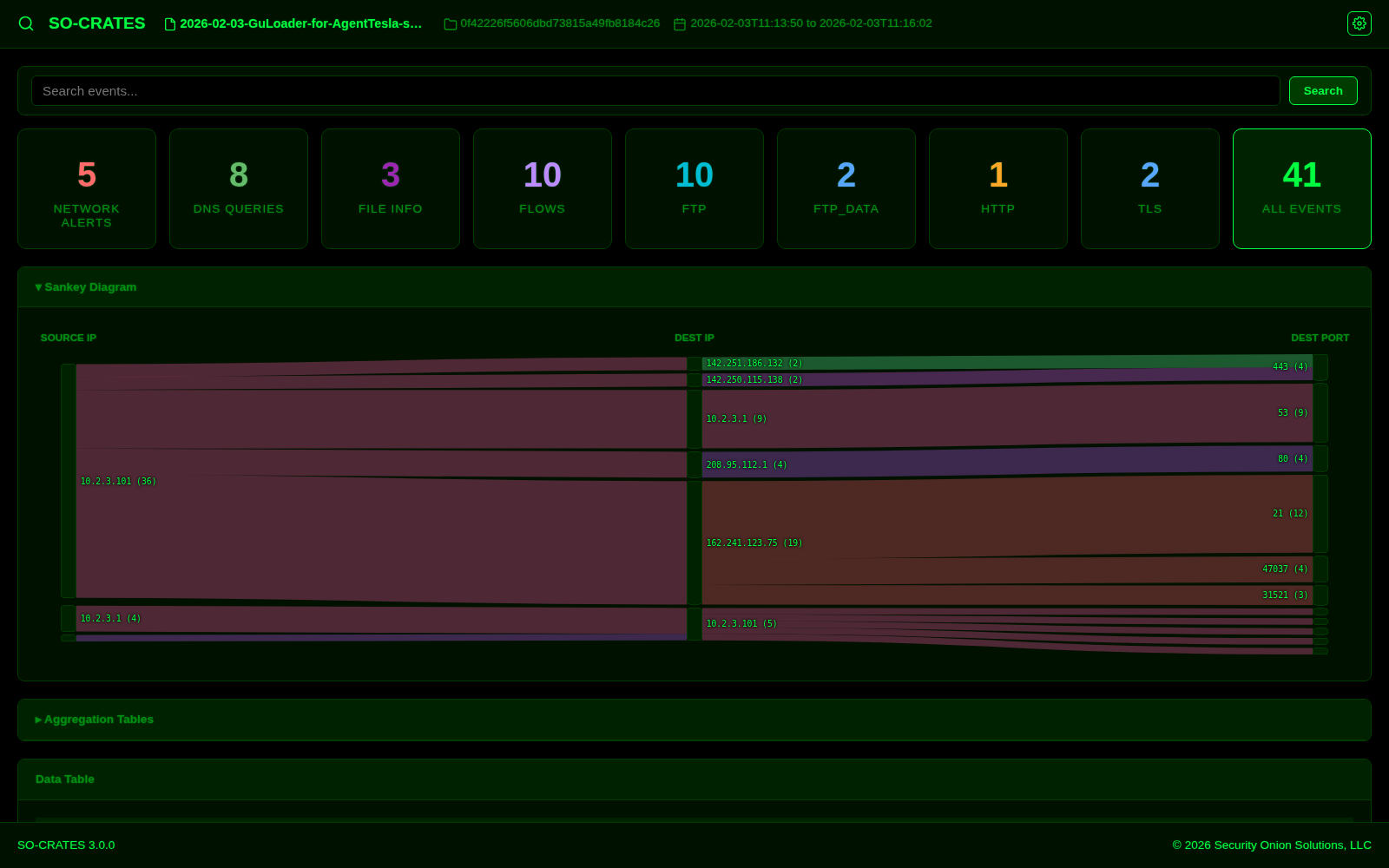
- Hacker - green-on-black terminal aesthetic with a subtle animated code-rain background
- Luna Blue - the saturated royal blue of the classic Windows XP "Luna Blue" taskbar and title bars as the dominant color, with the iconic Start-button green as the accent

- MP3 Player - brushed-metal chrome grays evoking the skinnable media players of the late-90s/early-2000s, with a soft LCD-green readout and a cyan bezel highlight, plus a bouncing spectrum-analyzer background

- Retro Handheld - pale yellow-green background with dark-green text, recreating the four-shade monochrome LCD screen of a classic late-'80s handheld game console

- Vaporwave - dark purple/navy theme with hot-pink accents and cyan/mint/pastel-yellow highlights, evoking the modern (2010s+) vaporwave internet aesthetic